
The AI co-editor inside Premiere Pro.

Kaireen cuts your multicam podcast, sweeps silences, drops SFX and clips highlights. You review and press Apply.

24sto transcribe 10 minutes
15sto chapter a 1-hour episode
12,248SFX indexed in 1.8 seconds
15tools in one panel

Scroll. That is your whole edit.

Five sections of the real panel, from the first cut to the final handoff. Each window plays its tabs one by one; click a feature to jump to it.

Story

It cuts to whoever is talking.

The long-form work of a podcast edit, done in the panel and written to new sequences you can still adjust by hand.

  • Podcast multicam
  • Gap Cut
  • Soundbites + Trailer
  • Chapters
Podcast multicam

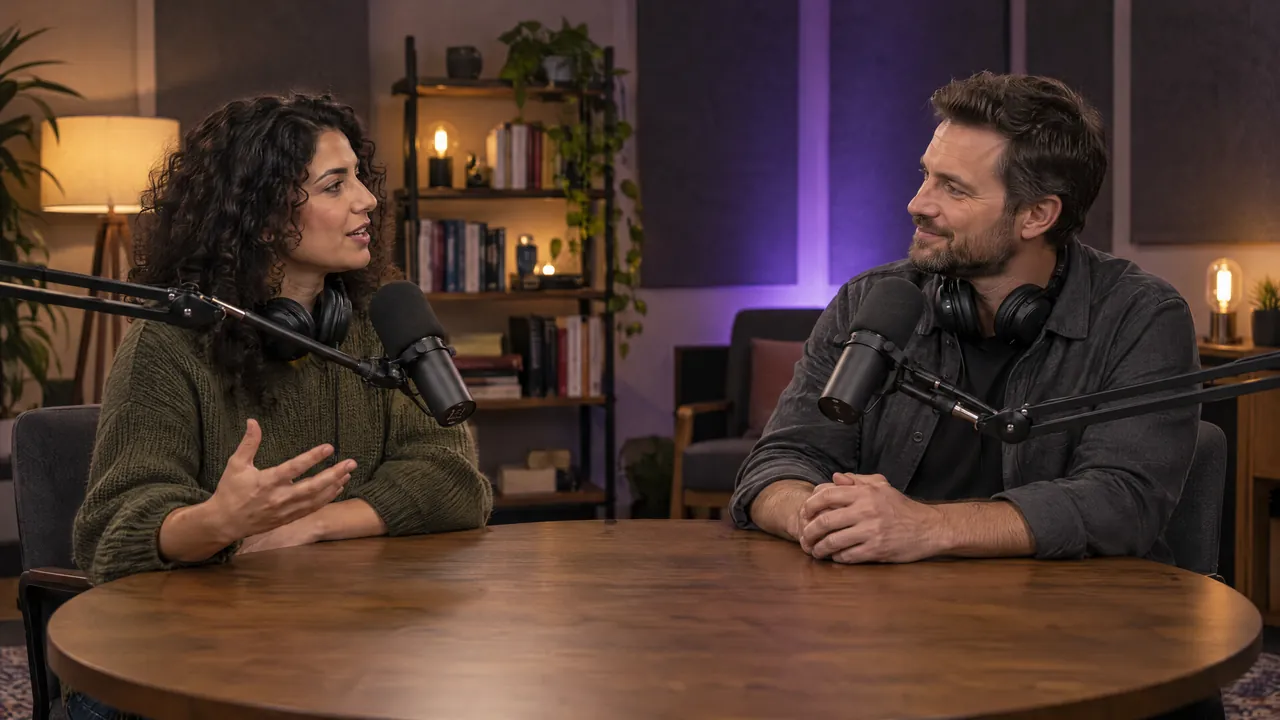
Tell Kaireen which mic belongs to which camera, once. It listens to every speaker, cuts to whoever is talking, brings in the wide shot on a rhythm you set, and writes it all to a new sequence.

Gap Cut

Detect & Preview paints every pause before anything is cut, so you see exactly what goes. Apply builds a tighter copy on a new sequence, with word-level trims and padding that keeps breaths natural. Your original never changes.

Soundbites + Trailer

Choose how many Shorts you need, how long and in what tone. Kaireen scores every line of the transcript and lines up the strongest moments, plus a trailer if you want one. Play, trim, approve: only approved picks become a sequence.

Chapters

One click writes a YouTube-ready chapter list for your description and drops named markers on the sequence, so the chapters and the edit always match. Rename anything before you copy it.

Captions

Word-accurate captions, two engines.

Transcribe in the cloud or on your own machine, check every word, then put a clean caption track or an animated look on the timeline.

  • Captions
  • Animated captions
Captions

Pick Pro for cloud speed while Premiere stays free, or Local for free, unlimited, offline transcription. Every cue lands in a review list first: fix a word, split or merge a line, then Apply for a clean caption track.

Animated captions

Thirty built-in looks, from punchy word pops to boxed and karaoke styles. Pick one, tweak it, and Kaireen renders word-by-word captions to a transparent ProRes clip on a new top track, split exactly like your subtitles.

Edit

The finishing work, in one tab row.

Motion, sound and the last checks before delivery, without leaving Premiere or opening another app.

  • Easing + motion blur
  • Delivery checklist
  • Safe Zones
  • Auto SFX
Easing + motion blur

The easing curves After Effects users take for granted, baked onto Premiere keyframes: in-out, overshoot, bounce, elastic. Save your own curves, keep the keyframes you set, and switch on motion blur that is wired correctly.

Delivery checklist

The last look before a video leaves the room. Tick steps per project, keep your own version of the list, and press the question mark to be walked straight to the control that does that step.

Safe Zones

Preview TikTok, Reels and Shorts interface chrome over your frame before you place a single title. Drop the guide on a new top track; it is saved in the job folder, so it travels with the project.

Auto SFX

Auto SFX reads the frames around each cut, picks matching sounds from your own library first and lays them on four fixed SFX tracks. Audition, keep or swap; anything missing can be generated.

Library

Your sound library, searchable and growing.

Your own SFX and VFX folders, indexed once and always one search away, with new sounds made on demand.

  • Search your folders
  • AI SFX generation
  • Cull
Search your folders

Point Kaireen at your SFX and VFX folders once. Twelve thousand files index in seconds, with waveforms and star ratings, and search filters as you type. Drag any sound straight onto the timeline.

AI SFX generation

Missing a sound? Describe it in any language, let Gemini polish the prompt if you like, and choose the length and 1 or 4 variations. Audition each take and keep the best one in your AI Generated folder.

Cull

Libraries fill up with sounds nobody uses. Tick them, park them in a _To Delete folder, and decide later: restore, copy them out, or delete them for good. Nothing disappears by accident.

Project

Your project, filed and portable.

From the first import to the handoff, the project stays organized and every file stays linked.

  • Start Here
  • Organize
  • Collect + Find missing files
Start Here

Open a fresh project and Kaireen offers the two setup steps together: your bin template inside Premiere and the same folder tree on disk, named after the project. Both halves share one shape from day one.

Organize

The blue dot by the logo counts clips still loose in the project panel. Scan shows where each one will go, Apply files them into bins, and bins you made yourself are never touched.

Collect + Find missing files

The amber dot counts files living outside the job folder. Find missing files searches this PC for a lost clip and lets you tick the right copy; Bring in copies everything inside, relinks it and leaves a receipt.


Everything in the box.

These used to be separate plugins. Now they share one panel and one price.

Story

Multicam PodcastSpeakers mapped to cameras, auto cut
Gap CutSilence cleanup with word-level trims
Soundbite FinderReels and trailer picks, in your tone
Chapter FinderYouTube list and sequence markers

Captions

AI Captions FREE ENGINECloud Pro plus unlimited local, 17 languages
Animated Captions30 motion styles, one click

Sound

Auto SFXCut-anchored, library first
SFX + VFX LibraryYour folders, instant search
AI SFX GenerationDescribe a sound, get it

Edit

Easing + Motion BlurReal curves baked as keyframes
Safe ZonesPlatform UI guides on a top track
Delivery ChecklistWhat must be true before export

Project

OrganizeBin template, confirm first
Project FoldersThe same tree on disk
Collect + RelinkPortable handoff, finds missing files
Kai, the assistant inside Kaireen Studio, presenting the Ask Kai window

Fifteen tools. One person to ask.

Kai sits in the panel header. Ask her anything about the panel in your own language and she answers, then points at the exact control on screen. She never clicks, never runs a tool, never touches your timeline. New to the panel? Learn walks you through it one section at a time.

KAIHi, I am Kai. Ask me anything about this panel and I will answer in your language. I know every tool in here, so I can also point at the exact button on screen.
How do I put subtitles on my sequence?What does Gap Cut actually cut?Where are my credits and what spends them?
How do I ...?
Also for After Effects

Kaireen Motion.

The same folder system and the same two dots as Kaireen Studio, inside After Effects. In early access with our own editors.

Curve WallPress a curve to ease keyframes
Anchor + AlignAnchor, align, distribute, arrange
Scale CompsNew resolution, nested comps stay sharp
Organize + CleanTidy folders, remove unused safely
Figma ImportReal shape and text layers
CollectOutside assets in, relinked
Do the math

Replaces a stack of plugins.

Multicam podcast cuttingplugin 1
Silence and gap cleanupplugin 2
Soundbite and chapter finderplugin 3
SFX library and suggestionsplugin 4
Collect and relinkplugin 5
Usually 5 installs, 5 logins, 5 update cycles
Kaireen Studio
$16/mo
One panel. All of it. Plus captions, Organize and easing.

One plan. Everything included.

Every tool, every update, 10,000 monthly AI credits per machine (8+ hours of Pro transcription). The local engine is always free.

Most popular
Kaireen Studio
$20$16/mo
Billed monthly. Cancel anytime.
Everything included, 1 seat
  • All 15 tools, nothing gated
  • 10,000 AI credits monthly, top-ups from $3
  • Free unlimited local transcription
  • Every future update included
Start free trial
3-day free trial. Cancel anytime.
Kaireen Studio Team
$60$48/mo
Billed monthly. Cancel anytime.
For agencies and teams, 3 seats
  • Everything in Kaireen Studio
  • 3 seats for your editors
  • 10,000 AI credits monthly per seat (30,000 total)
  • Priority processing and support
Start free trial
3-day free trial. Cancel anytime.
Windows now. Mac coming, same price Kaireen Motion for After Effects, early access v3.0 out now, updates every few weeks

Questions, answered

How does the free trial work?
Pick a plan and start the 3-day trial through checkout. Checkout asks for a card, but nothing is charged during the trial and every tool is unlocked. Cancel before the trial ends and you pay nothing.
What are AI credits?
Cloud features (Pro transcription, soundbites, chapters, SFX generation) draw from 10,000 monthly credits per machine, roughly 8 hours of Pro transcription. Run out? The free local engine keeps working, and top-ups start at $3 inside the panel.
Does it work offline?
Local transcription runs fully on your machine, no internet needed. Cloud features need a connection.
Will it break my project?
No tool touches your timeline without an explicit confirm. Soundbites and chapters build new sequences and markers; Organize shows its plan first.
Who is Kai?
Kai is the assistant inside the panel, and the character the product is named after. Ask her anything about the panel in your own language and she answers, then points at the control you need. She cannot click buttons, run a tool, edit your timeline or see your footage, and you can switch her off in Settings.
What do I need?
A recent Premiere Pro on Windows. macOS is in active development, included at the same price when it lands.
Refunds?
Write to us within 14 days if it is not for you. Details on the refund policy page.

Ready to get your evenings back?

Try every tool free for 3 days. Cancel anytime.

Start free trial